Tools & workflows
Choose a recording setup for spoken business video
For spoken business video, understandable sound and a repeatable setup matter more than an impressive list of equipment.
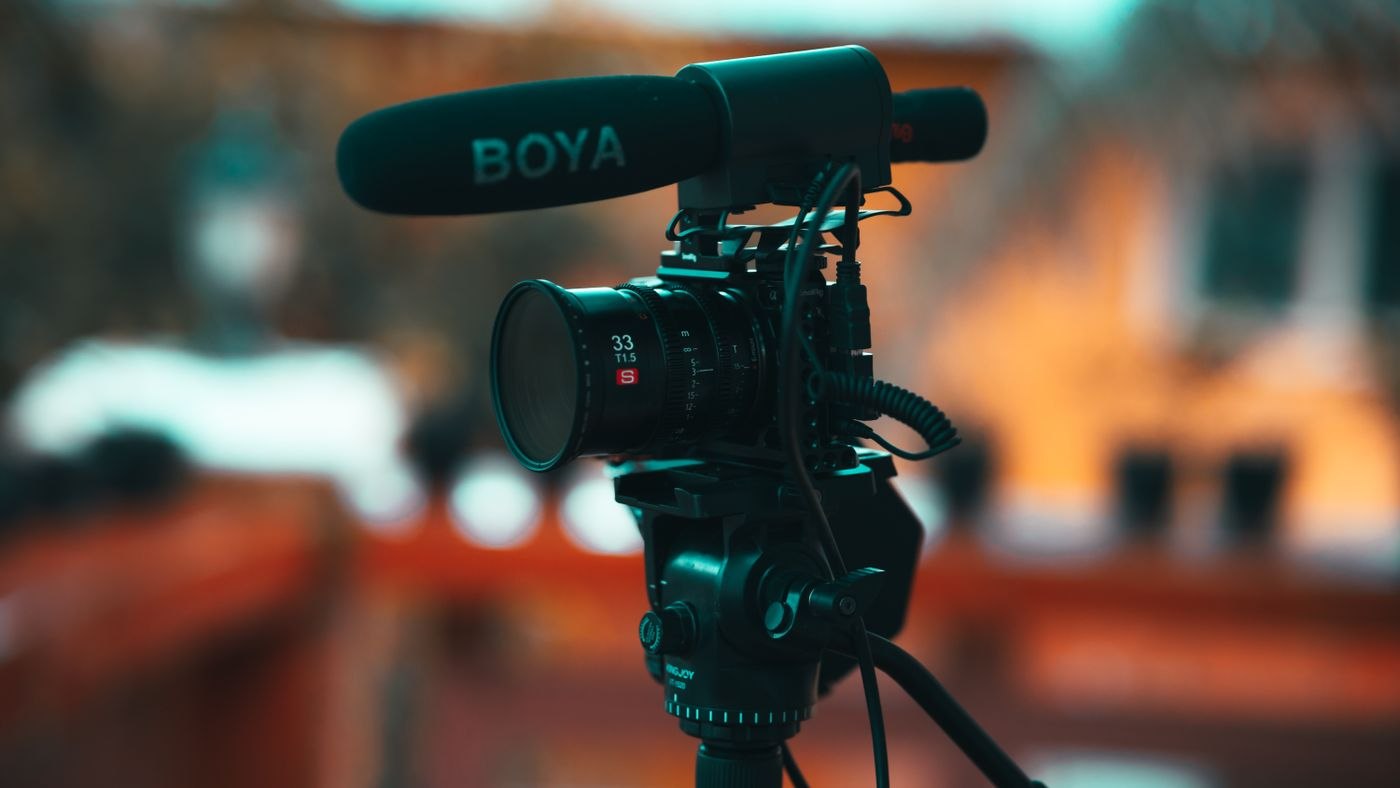
Before choosing a camera or microphone, define the recording situation. A seated explanation recorded alone in a quiet room has different requirements from a moving product demonstration or a two-person conversation. Write down who speaks, whether they move, where recording happens and who operates the equipment. These facts narrow the choices more effectively than a price ladder.
Listen to the room first
Record a short sample with the equipment you already have. Listen with headphones for traffic, ventilation, computer fans, room echo and handling noise. Also listen to the speaker turning their head or reaching for a demonstration object. The sample should resemble the real recording rather than a carefully controlled sentence nobody will repeat during filming.
Microphone placement and the room interact. Shure's technical guidance explains that a microphone does not repair a reverberant acoustic environment: reflected speech can interfere with intelligibility when too much room sound reaches it. Before buying another device, try a quieter location and a position that captures the speaker more directly. Follow the microphone manufacturer's placement guidance and compare recordings instead of assuming one distance suits every microphone.
Match the setup to the speaker's movement
For a person staying at a desk, a stable nearby microphone may be easy to repeat between sessions. A moving presenter may need a different arrangement. A two-person conversation requires both voices to be captured adequately, including when one person speaks softly. Avoid choosing solely by how unobtrusive the equipment looks in the frame.
Check the complete connection path before recording. The microphone, cable or receiver, recording device and application must work together. Make a test using the exact combination, confirm which input is selected and play back the saved file. A visible recording indicator does not prove that the intended microphone supplied the sound. Keep enough time to solve a connection problem before the speaker arrives.
Make the picture easy to repeat
Support the camera or phone securely and position it so the presenter can speak naturally. Check the background for distracting movement, private information and objects that seem to emerge from the speaker's head. Use a light arrangement that remains consistent during the session; a changing window can alter the picture between takes. Test with the person in position, not with an empty chair.
Frame the demonstration for its eventual destination. If the video will appear in more than one shape, plan what must remain visible in each version before shooting. Leave room for any necessary captions without covering the subject's hands or the object being explained. Do not assume a later crop can rescue material recorded without those constraints in mind.
End with a repeatable recording routine
Write a short setup note: room, camera position, selected input, file location and the test clip to record before each session. Include charging, storage space and a way to verify the saved output. Where an important recording cannot easily be repeated, consider an appropriate backup recording and test how it will be used; an untested spare device may create false confidence.
For a hypothetical desk demonstration, the test could contain the presenter introducing the subject, turning towards the object, moving it across the table and reading a short explanation. Play the complete sample back at an ordinary listening level. If the introduction is clear but the explanation becomes distant when the presenter turns, change the arrangement or the planned movement before recording the full piece. Do not simply raise the playback volume and declare the problem solved.
Also check the operator's workload. Can one person start the recording, confirm the sound and follow the speaker without constantly changing settings? A more capable arrangement may be less reliable if nobody can operate it during the actual session. Mark the positions of movable items in your setup notes and keep a reference photograph of the arrangement if that helps the team repeat it. These details reduce avoidable variation between recordings without requiring every video to look identical.
Buy additional equipment only when the test identifies a limitation you need to solve. Poor intelligibility, unstable framing and a connection that fails during ordinary movement are concrete problems. A desire for a more elaborate-looking setup is not, by itself, a production requirement. Keep the kit simple enough that its regular operator can reproduce the result without a specialist standing beside them.