Content & copywriting
Write an email subject line that matches the message
Use the subject line to identify the message's purpose, not to create curiosity that the email cannot satisfy.
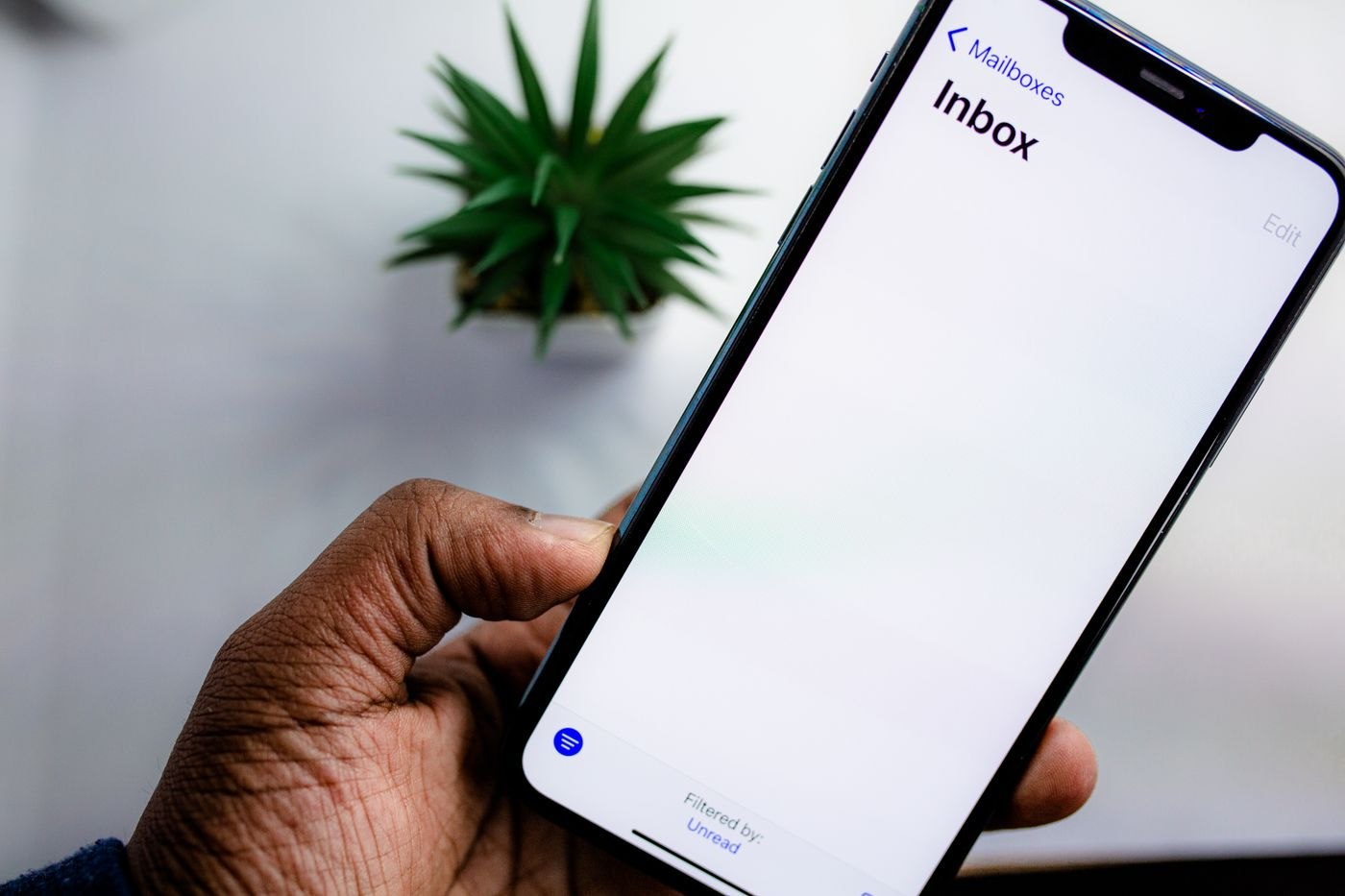
An email subject line makes a small promise about what is inside. When it says ‘Your booking details’, the reader expects details of a booking, not a sales pitch for another service. Matching that promise is more important than finding a clever way to make an ordinary message sound urgent.
Name the task or update
Start with the information that helps the recipient recognise the email. A project name, appointment date or specific decision can be useful. ‘Question about the Tuesday workshop venue’ is easier to place than ‘Quick question’. The first also helps the recipient find the message later.
If action is required, say what kind without overstating urgency. ‘Approval requested: revised event invitation’ describes a task. Add a deadline where it is genuinely relevant, using an unambiguous date. Avoid treating every routine message as urgent; the label should reflect a real consequence, not a desire to be noticed.
Make the opening fulfil the subject
The first sentence should confirm the purpose signalled above it. If the subject asks for approval, the email should identify what needs approval and where to review it. Do not begin with several paragraphs of background while leaving the request at the bottom. Conversely, do not use an action-oriented subject for a message that is only informational.
In a hypothetical customer update, ‘New opening hours from 3 May’ should lead directly to the hours and their effective date. A promotional offer can appear elsewhere if appropriate, but it should not displace the promised information. Readers should not have to decode which part of the message the subject referred to.
Keep the thread useful
When a conversation changes topic substantially, consider a new subject and a brief link back to the relevant context. A six-week thread titled ‘Friday lunch’ is a poor home for a final budget decision. At the same time, changing subjects unnecessarily can fragment an ongoing task. Use the subject to preserve the real unit of work.
Check for names or sensitive details that do not need to appear in an inbox preview. The subject may be more visible than the body in notifications and shared environments. Use enough context for recognition without adding private information simply for specificity.
There is no need to force every subject into a fixed character count. Prefer the shortest wording that identifies the purpose accurately, and inspect how it appears on common narrow displays. Put the distinguishing information early so truncation is less likely to remove the reason the email matters.