Tools & workflows
Plan a tool migration without losing essential records
A tool migration succeeds when people can continue their work and retrieve the records they still need—not simply when the new account is active.
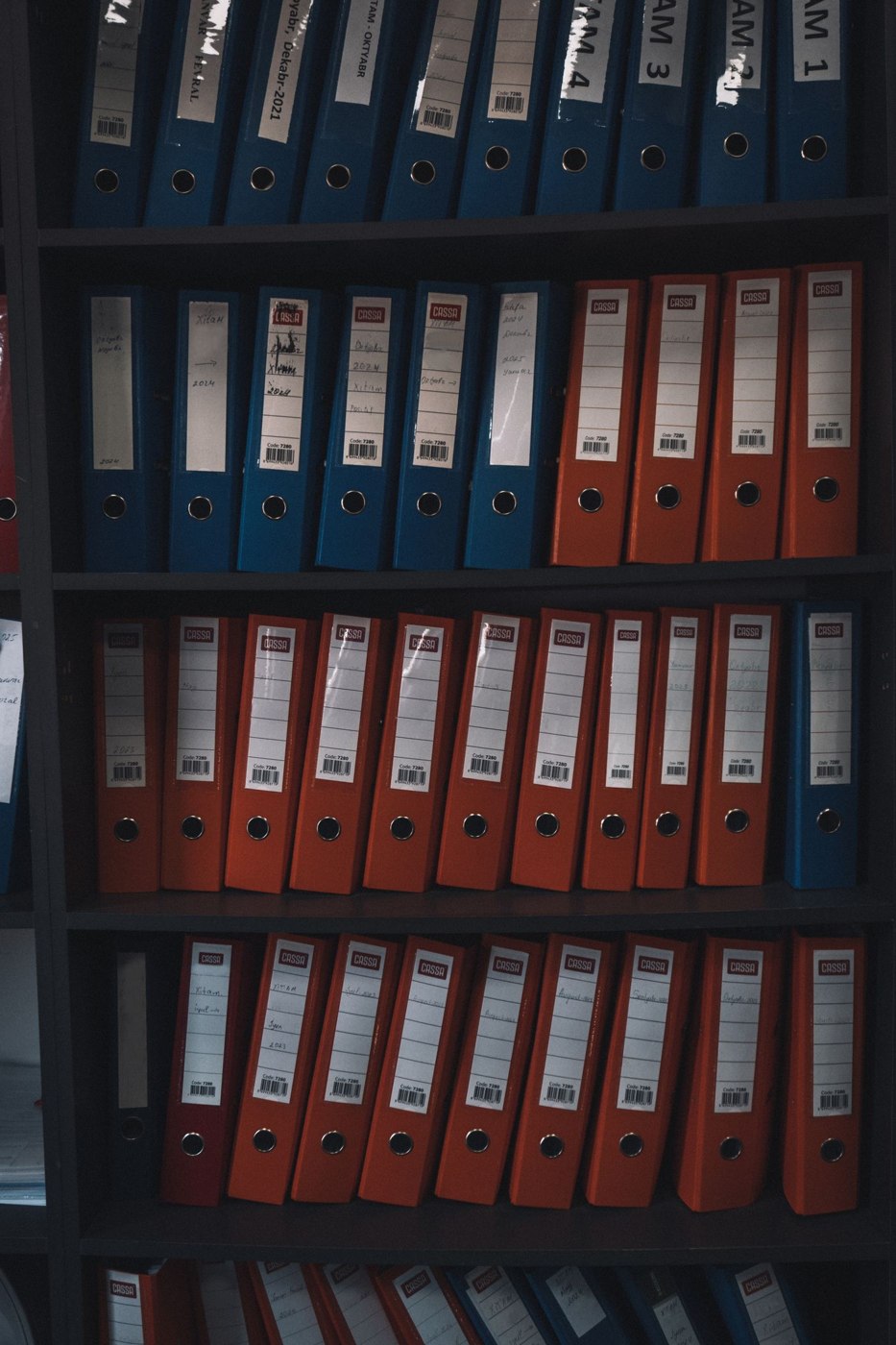
The visible part of a migration is moving files or rows. The harder part is preserving the meaning around them: who owns an item, what has been approved, why a decision was made and which links colleagues already rely on. Plan that continuity before choosing a date to stop using the old system.
Decide what must survive
Inventory the categories of information in the existing tool. Include active work, completed records, attachments, comments, decisions, permissions and any linked resources. Not every category needs to move into the new working interface. Some may be retained in an accessible archive, while genuinely redundant material can be handled according to the organisation's existing retention decisions.
Assign an owner to decide what is essential. Avoid asking the migration operator to make business judgements simply because they understand the export buttons. A project lead may know which approvals matter; a record owner may know which completed material must remain available. Establish those decisions before the old subscription or access arrangement expires.
Test a small but awkward sample
Move representative examples into a test area. Choose more than the simplest current document: include an item with several attachments, a long discussion, an unusual character in its name and a record linked from another system. Compare the source and destination. Check content, dates, ownership and relationships, not merely the number of items reported as imported.
Try retrieving the sample as an ordinary user. The administrator who performed the import may have access that others lack. Ask someone to find the final decision, open an attachment and identify the next action. If information is technically present but effectively undiscoverable, the test has found a real migration problem.
Record what the new system cannot preserve directly. A discussion thread might need a separate readable export; an approval state may need a maintained decision record. Explain the compromise and obtain agreement from the owner. Do not silently flatten a meaningful workflow into a collection of anonymous files because that is what the import accepts.
For a hypothetical content library, select one article with its brief, approved copy, image and publication decision. After the test transfer, ask an editor to identify which wording was approved and a publisher to locate the correct image export. If either has to guess, the migration has preserved files but not the working relationship between them. Add the missing reference or explanatory record, then repeat the retrieval test before moving the remaining library.
Keep a transfer manifest proportionate to the project. It can list the source item, destination, transferred components, exceptions and the person who checked it. Use identifiers that remain stable even if a title changes. File counts can reveal a missing batch, but they cannot establish that two different records were not merged or that an attachment remains connected to its parent. Combine automated counts where available with representative inspection of the relationships that matter.
Control the changeover
Agree a cutover period, who can still edit the old system and how last-minute changes will be captured. Without this, the team may create new work in both places and immediately lose the benefit of migration. Communicate the maintained location for active work and give people a clear way to report missing information.
Prepare a rollback or recovery approach appropriate to the work before making irreversible changes. Preserve usable exports or backups as permitted by the organisation's controls, and test that they can be opened. A file with a reassuring name is not proof that essential records can be recovered. Do not delete the old material merely to make the project look finished.
Close the migration deliberately
After changeover, check a selection of normal tasks with their actual owners. Resolve access requests and broken references, and identify any temporary workarounds that need a permanent answer. Update instructions so new starters are not sent to the retired system. Tell colleagues which location is authoritative for each category of information.
Only then decide whether the old service can be closed, kept read-only or retained for a defined period. The decision should reflect record needs, contractual arrangements and the responsible people's approval. Document what was moved, what was archived, what was not preserved and where recovery material is held. That record is the final handover of the migration itself.