Tools & workflows
Create a file naming convention people can follow
A naming convention earns its place when people can identify a file without opening several almost identical copies.
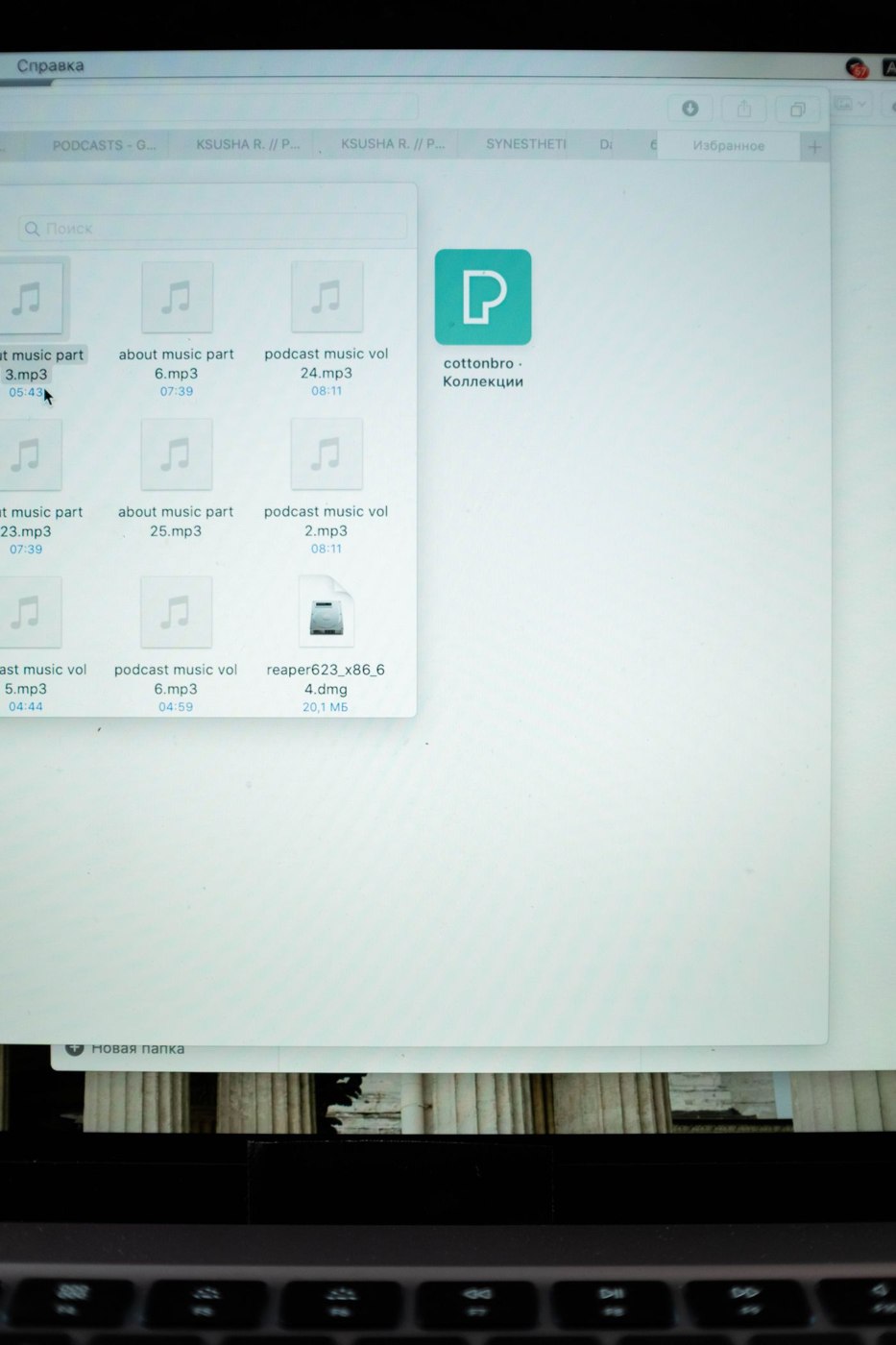
‘Final’, ‘final-new’ and ‘final-really-final’ do not describe a document reliably. They describe the writer's hope at a particular moment. A usable file name tells another person what the file is, which piece of work it belongs to and, where necessary, which edition they are looking at.
Choose a short order for the information
For a small publishing team, a pattern such as project, content item and edition may be sufficient. An illustrative name is spring-guide_delivery-copy_v03.docx. If the date is the main retrieval clue, put an unambiguous year-month-day date near the front instead. Do not include both a version number and a date unless each answers a different question.
Keep the actual approval state somewhere controlled. A name containing ‘approved’ can remain on a file after somebody edits it. Where your system maintains a stable document with version history, repeatedly renaming that working file may cause more confusion than it solves. Use descriptive names for identity, and a separate record for approval.
Agree a few abbreviations that colleagues already recognise. A long code assembled from initials may be precise to its creator and unreadable to a new starter. Avoid embedding private client details when a project code will do. Also test the names in every destination you use; accepted characters and path limits vary between systems.
Try retrieval, not just creation
Ask a colleague to find the latest handover copy, an older image export and the original source document using your proposed scheme. If they need the author to interpret the name, simplify it. Check how the files sort and whether names remain distinguishable when a file picker truncates their ends.
Write the convention on one short reference page with three examples and one exception rule. Apply it to new work first, then rename older files only when the benefit outweighs the risk of breaking references. Keep a mapping when renaming shared assets. A consistent system that people can maintain is more useful than a comprehensive scheme nobody remembers.