PR & media
Choose press photographs that explain the story
Select photographs for the information they reveal, then supply accurate captions and clear usage information.
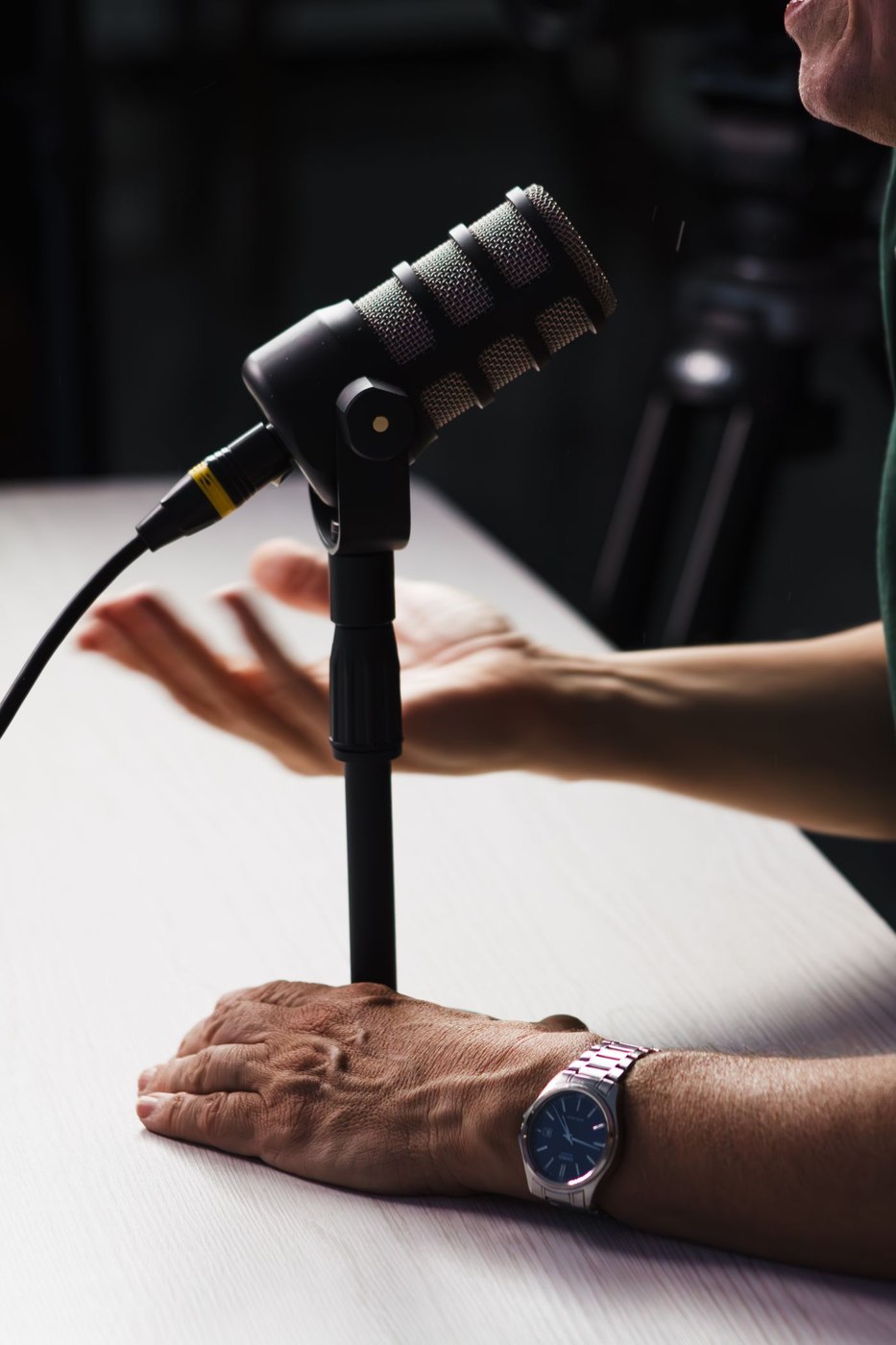
A row of people holding a sign may prove that an event happened without explaining why it matters. A more useful press photograph can show the location, object, activity or change at the centre of the story. Begin with what the reader needs to see, then decide whether a posed portrait adds anything.
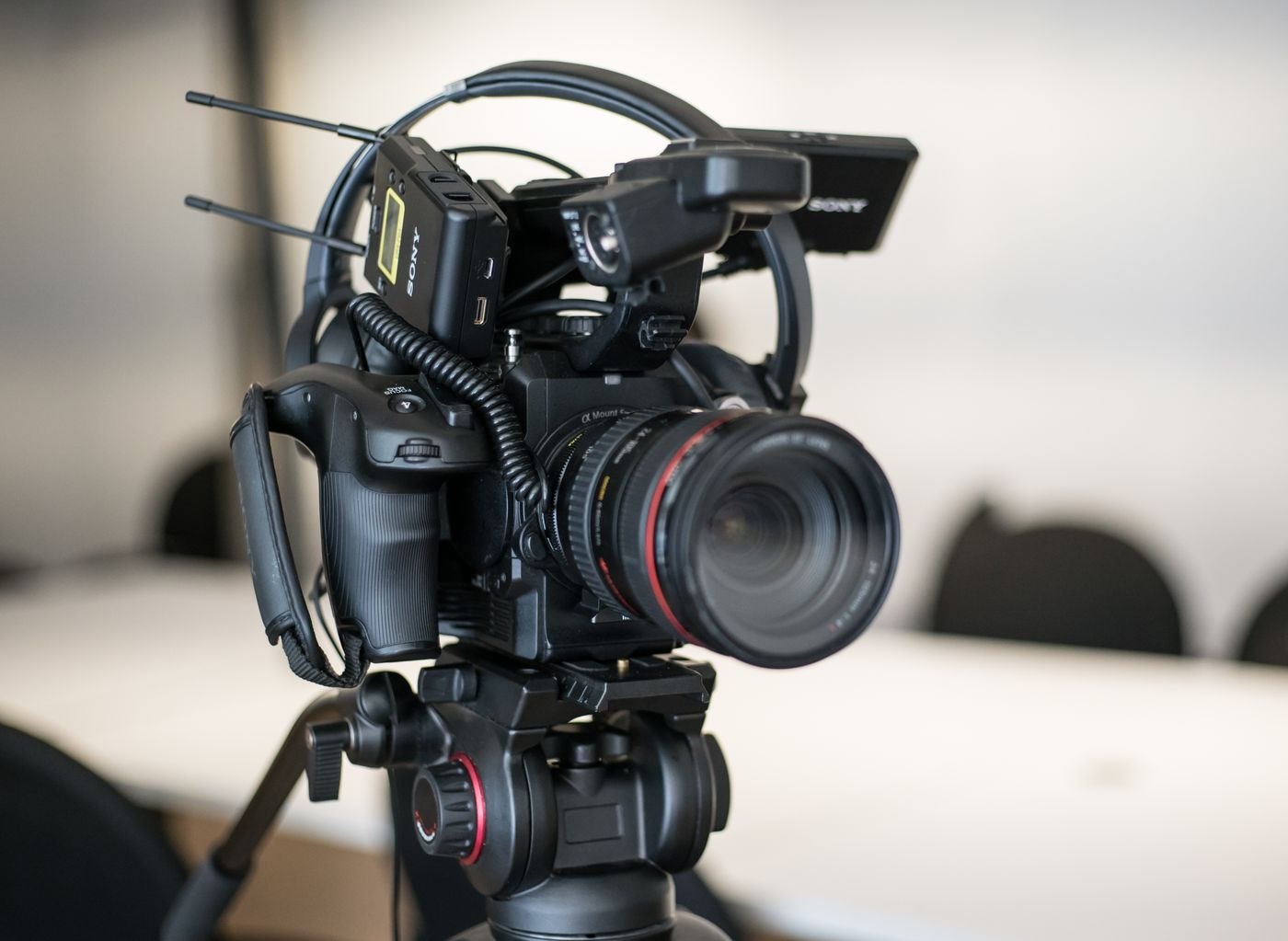
For a hypothetical repair workshop opening, a photograph of the working area may explain the service better than a handshake at the entrance. A close view of equipment can help, but it should not imply capabilities the workshop does not offer. Photograph the actual subject when documenting a real announcement; do not present a stock scene as evidence of your facilities.
Give editors choices with different purposes
A small selection might include an establishing view, an activity detail and an identified spokesperson portrait. Those are different editorial options, not six nearly identical frames. Check focus, distracting background material and whether important subjects remain visible in common crops. Avoid building essential wording into the image; captions and article text can carry information more flexibly.
Write a factual caption for every file. Identify who or what appears, where and when the photograph was taken, and any context necessary to understand it. Verify names with the people responsible for the announcement. A photograph from an earlier event can be useful if that date is clear; an ambiguous caption can make it appear current.
Separate availability from permission
Before distributing images, confirm the intended uses with the photographer or relevant rights holder and check any conditions attached to the files. Make the agreed credit and usage restrictions easy to find. Receiving a picture by email is not a substitute for establishing what you may offer others. If permission is unclear, resolve it or choose another image rather than promising unrestricted use.
Use meaningful filenames and provide files through a straightforward download route. Test that route as someone outside the organisation. Include a contact for questions about identification or usage. Supply enough resolution for the proposed use without forcing recipients to download an entire archive to inspect one picture.
Finally, compare each photograph with the written announcement. Does the image show the same location, version and stage of completion? If it is illustrative rather than documentary, label that distinction. A visually attractive photograph can still mislead when its relationship to the story is left unexplained.